A few things you might be wondering...
Do I need to pay for Slack?
Nope! I filmed this entire course on the free version of Slack, and that’s what I recommend you start with. If you ever want to upgrade, you can, but you don’t need to.
How does the free plan’s message-history limit work?
The free plan gives you access to the most recent 90 days of messages and files. Your settings for keeping old messages and files determine whether they’re deleted after 90 days or one year. Save decisions, written procedures, and client notes with your team’s reference documents. We use Notion for that. I recommend that habit even on a paid plan.
I’ve never used Slack. Can I start here?
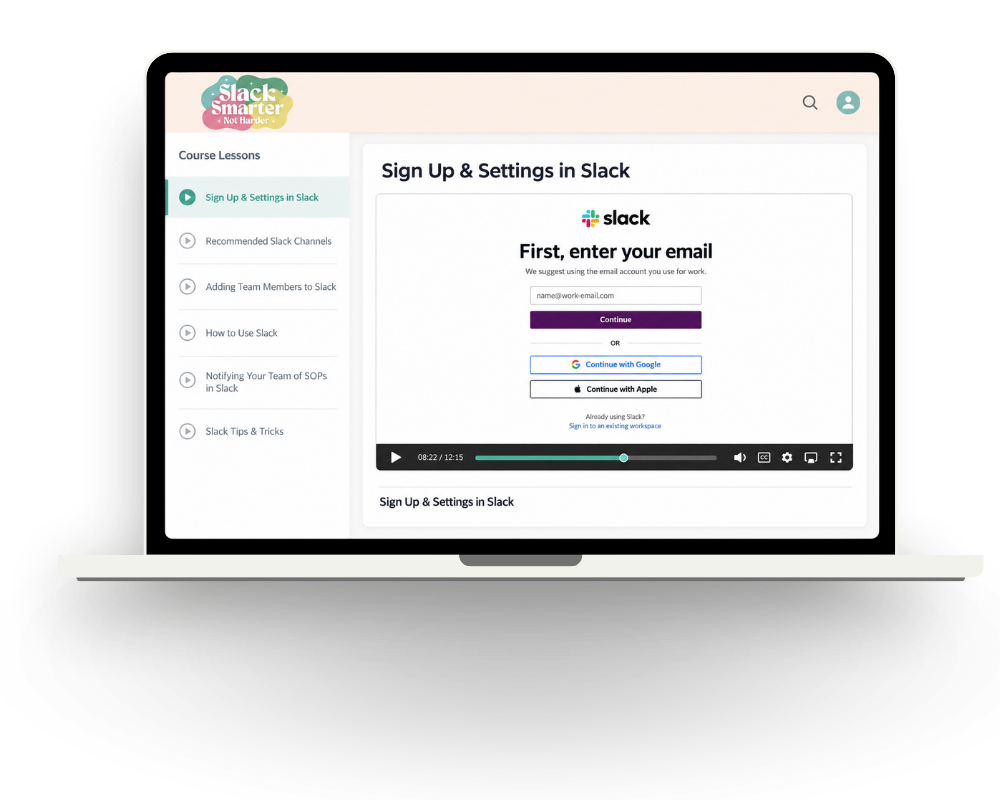
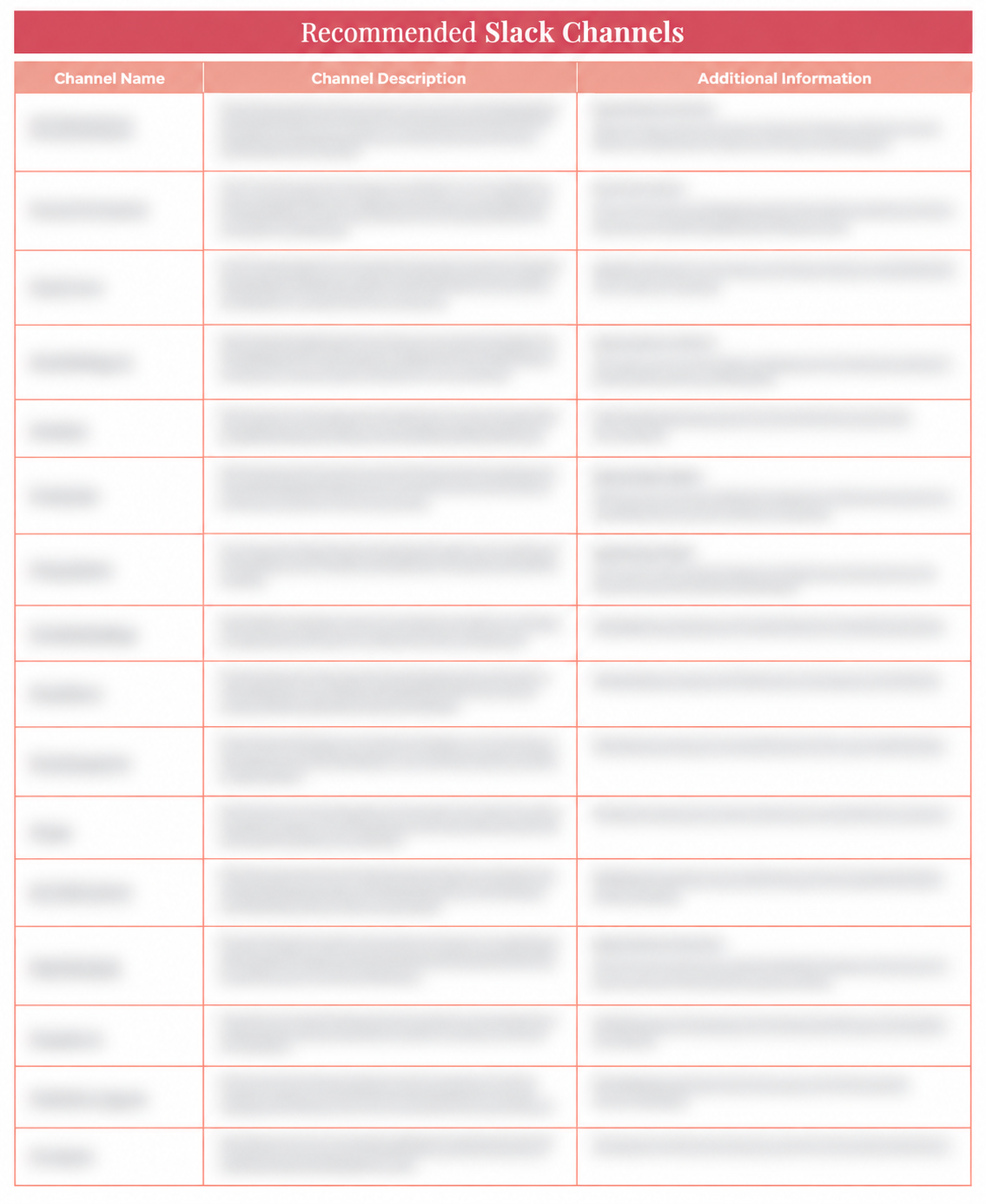
Yes! If you’ve never opened Slack before, you’re exactly who I had in mind. I’ll walk you through signing up and creating your workspace, then we’ll get into settings, channels, and bringing your team in.
And if you’re thinking, “Please don’t give me another complicated piece of software,” I get it. Slack is easy to use, which is a big reason I chose it for my team.
How long are the lessons, and how much setup time do I need?
The videos total under an hour, broken into short lessons. Keep Slack open beside them and set up as you watch. Give yourself time to choose the channels your firm needs, adjust the settings, and invite your team.
Should I put my clients in Slack too?
I don’t recommend it, and I explain why inside the course. When clients can reach you instantly, you train them to expect instant answers. We keep client communication on email (or a business text line when needed). Slack is for your team. Each client gets a channel so your team’s conversations about them stay organized, but the client is never in it.
We already use Double or Xenett. Why use Slack too?
Keep using them for questions about a transaction. But where does your bookkeeper ask about month-end as a whole, or an SOP that changed? Give those conversations a place in Slack and make sure your team knows which tool to use. When a Slack conversation involves a specific transaction, link it in the thread so nobody has to hunt for it.
Does this teach me how to create SOPs or run month-end?
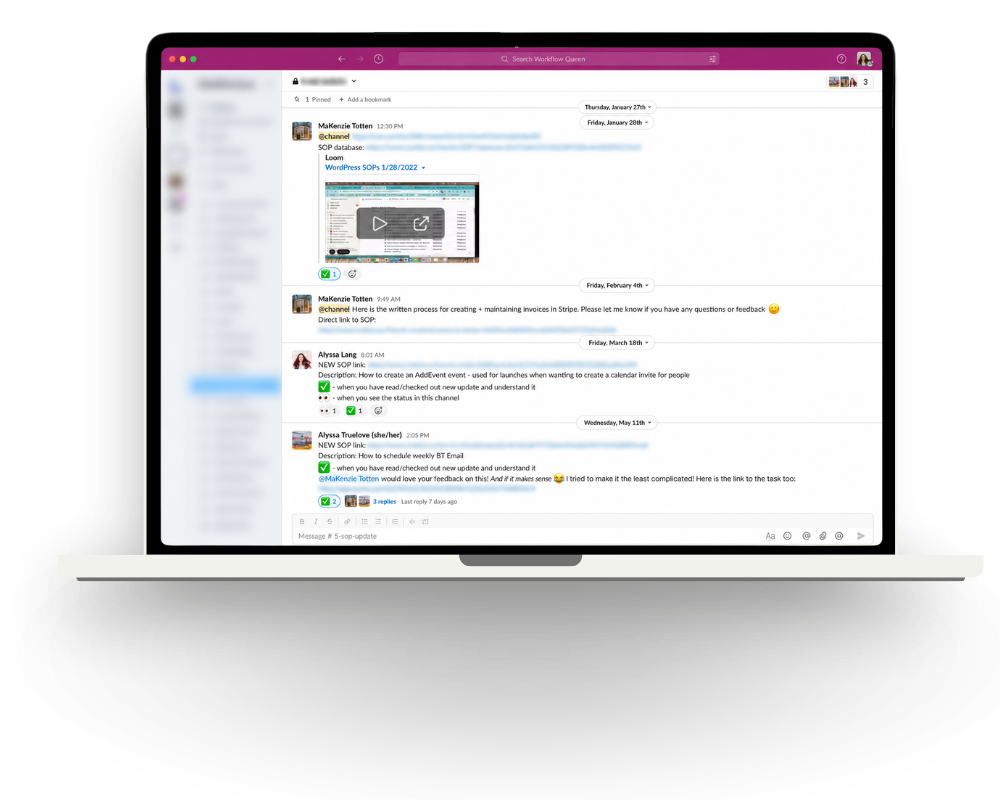
We’ll cover how to communicate about that work in Slack, including sharing new or updated SOPs and keeping your team in the loop. If you need help building the processes themselves, here’s where I’d point you:
The SOP Method takes you through my system for writing your SOPs, organizing them in a database, keeping them updated, and communicating changes to your team. You’ll have the templates and system to help your team find and follow the process.
Breakthrough is where we work on the bigger picture of your firm’s systems, workflows, and team, including how you handle work like month-end and get more of it off your plate.
If month-end keeps stalling because you’re waiting on clients to send information, take a look at Effortless Client Requests. It gives you request templates, email copy, and training for using Content Snare to collect what you need without manually chasing every document.
I only have one team member or occasional contractors. Is this right for me?
Yes! Whether you have one contractor during busy season or W-2 employees year-round, you still need a way to ask questions, share links, and let people know when something changes. Setting it up now means everyone you bring on learns how your firm communicates from the start.
Still wondering if this is the right fit? Email us at support@workflowqueen.com and tell us a little about your team. We’re happy to help you figure out whether this is the right place to start.








 Setting up Slack without overwhelming your team or yourself
 WAIT! ADD THIS TO YOUR ORDER!


